Latest Version
Microsoft Corp.
IT Tools
Windows
Free
9n1f85v9t8bn
Report a Problem
More About Windows App
A Seamless Bridge to Cloud Computing
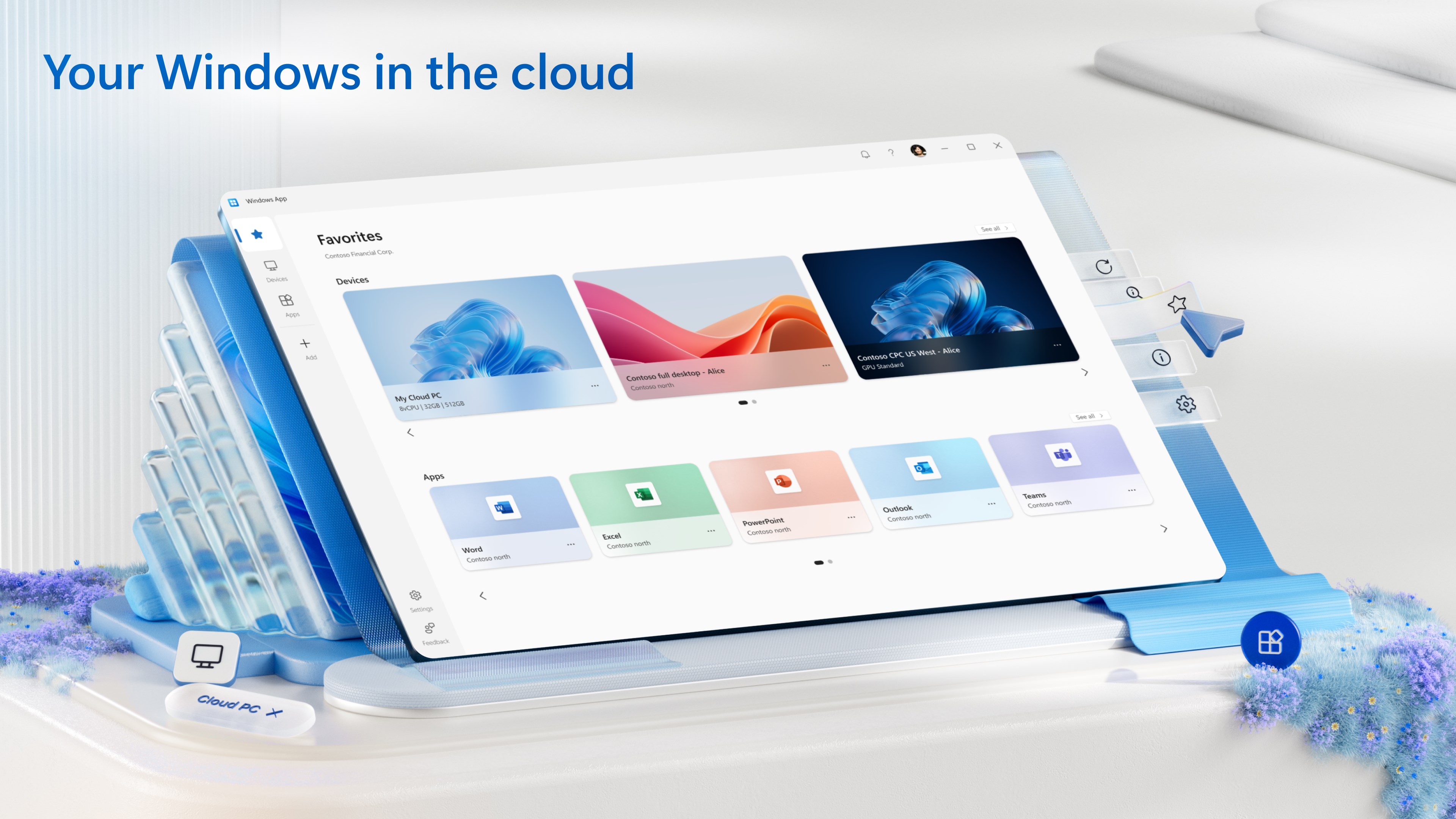
The Windows App remote desktop client completely redefines how professionals and students interact with virtual environments. Developed by Microsoft Corp., this unified application streamlines your connection to remote workspaces, eliminating the friction of managing multiple legacy tools. By logging in with your corporate or educational credentials, you gain instantaneous access to a secure, personalized virtual workspace hosted in the cloud.
Key Features of the Windows App
As a specialized IT tool, this software serves as a centralized dashboard for several of Microsoft's advanced virtualization services. Here is what makes it an essential utility:
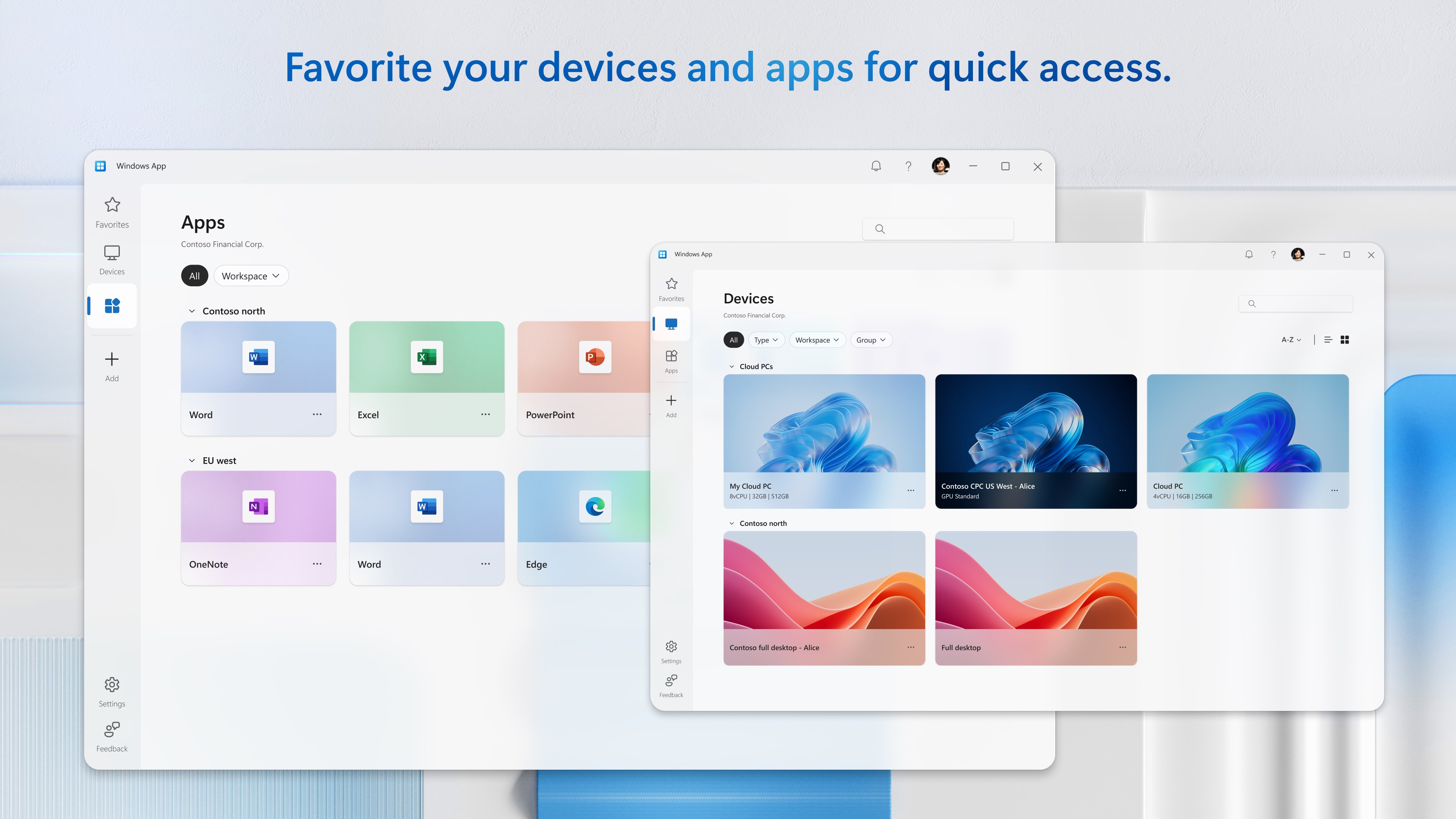
- Unified Client Experience: Access Windows 365, Azure Virtual Desktop, and Microsoft Dev Box from a single, streamlined interface.
- Enterprise-Grade Security: Built with robust security protocols to ensure your data and virtual machines remain protected during remote sessions.
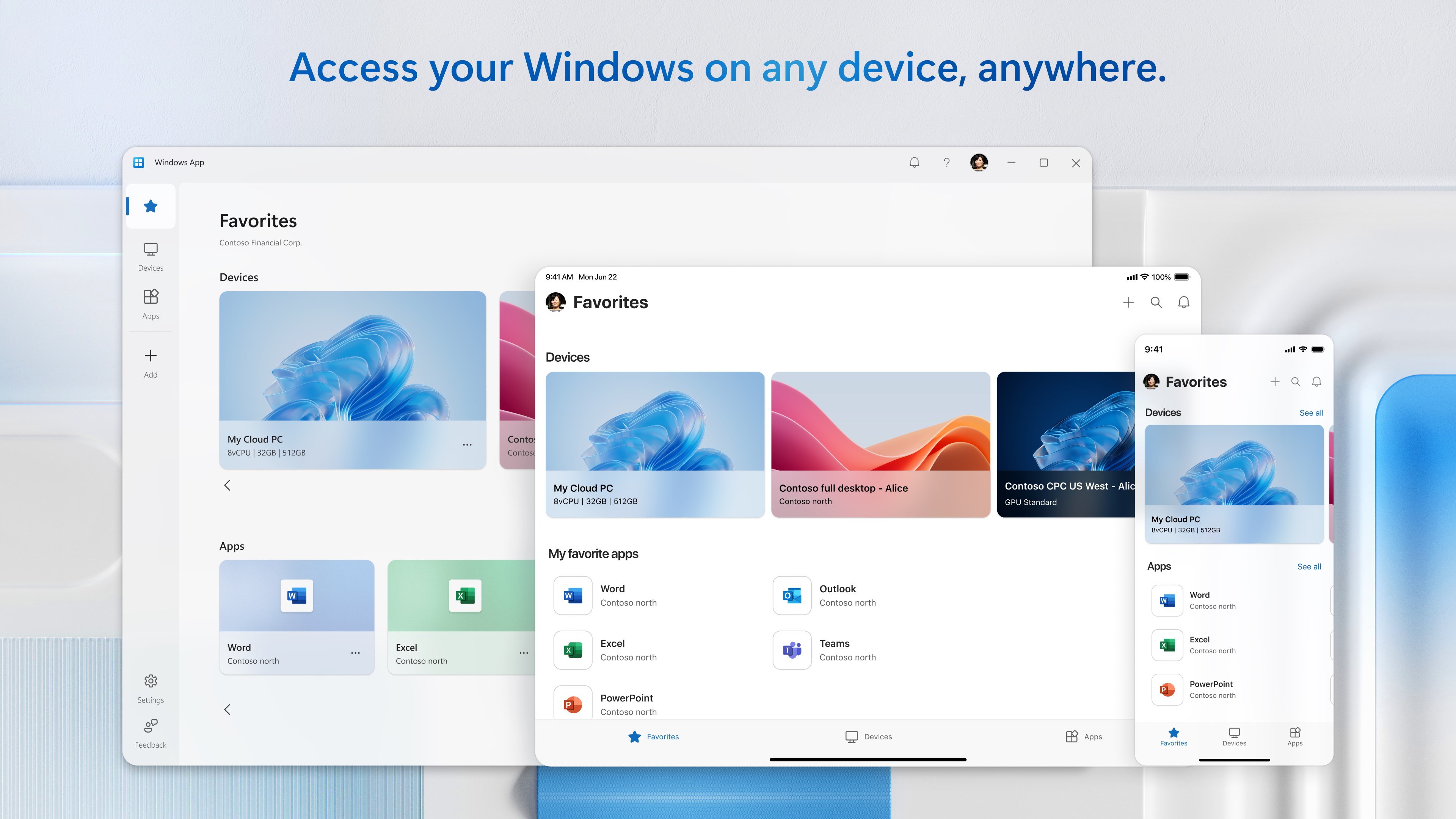
- Multi-Device Flexibility: Designed to provide a consistent, high-performance virtual desktop experience across your preferred hardware.
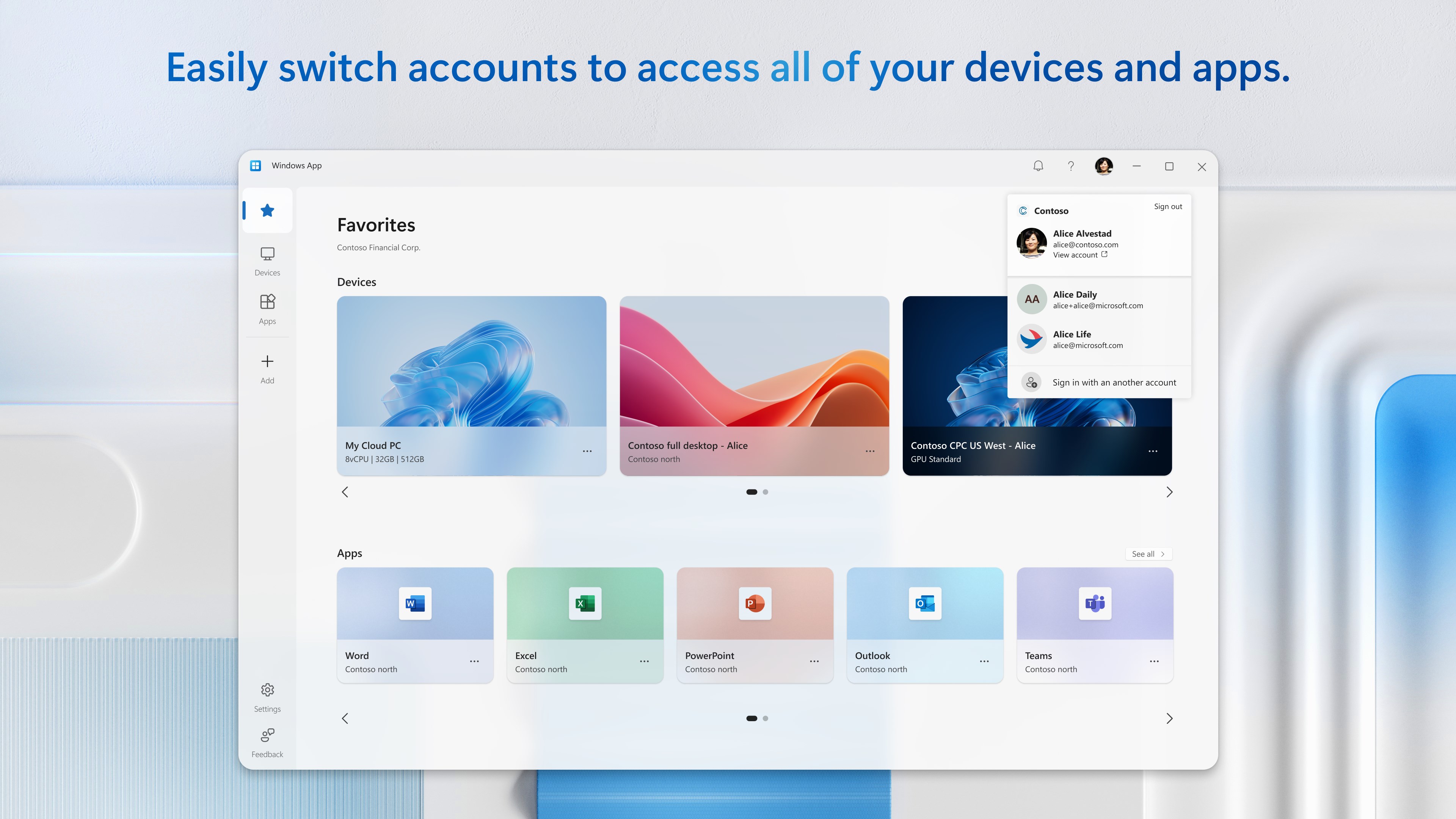
- Simplified Authentication: Log in effortlessly using your existing work or school account to instantly load your customized cloud environment.
Who Is This Virtualization Tool For?
The Windows App remote desktop client is engineered specifically for enterprise users, developers, and students who rely on cloud-based infrastructure. Whether you need to access a high-performance Microsoft Dev Box for coding or require secure access to your corporate Windows 365 Cloud PC while traveling, this client provides a highly stable and responsive connection.
An Intuitive Interface for Modern Workflows
Instead of wrestling with complex network configurations, the app presents a clean, user-friendly portal. Once authenticated, your active virtual environments are clearly displayed, allowing you to launch into your remote desktop with a single click. It is an efficient evolution in remote desktop management, designed to keep pace with modern hybrid work demands.
Getting Started with the App
If you are ready to simplify your virtual desktop workflow and experience a unified cloud connection, you can explore the software further. To view more details and add this utility to your system, head over to the official Microsoft Store page.
Rate the App
User Reviews
Other Apps in This Category
Popular Apps









Editor's Choice