
Latest Version
datronicsoft Technology GmbH
IT Tools
Windows
Free
9nblggh4trm4
Report a Problem
More About spacedesk
A Smarter Way to Expand Your Desktop Workspace
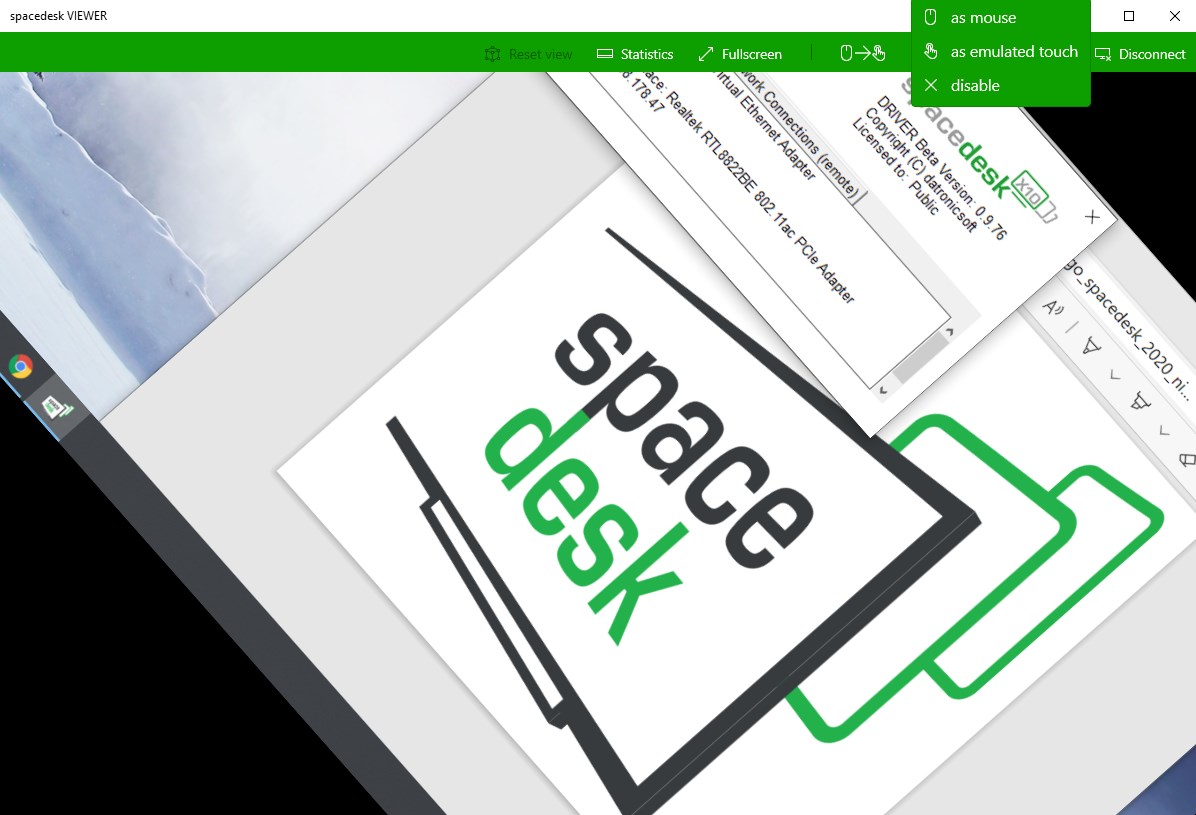
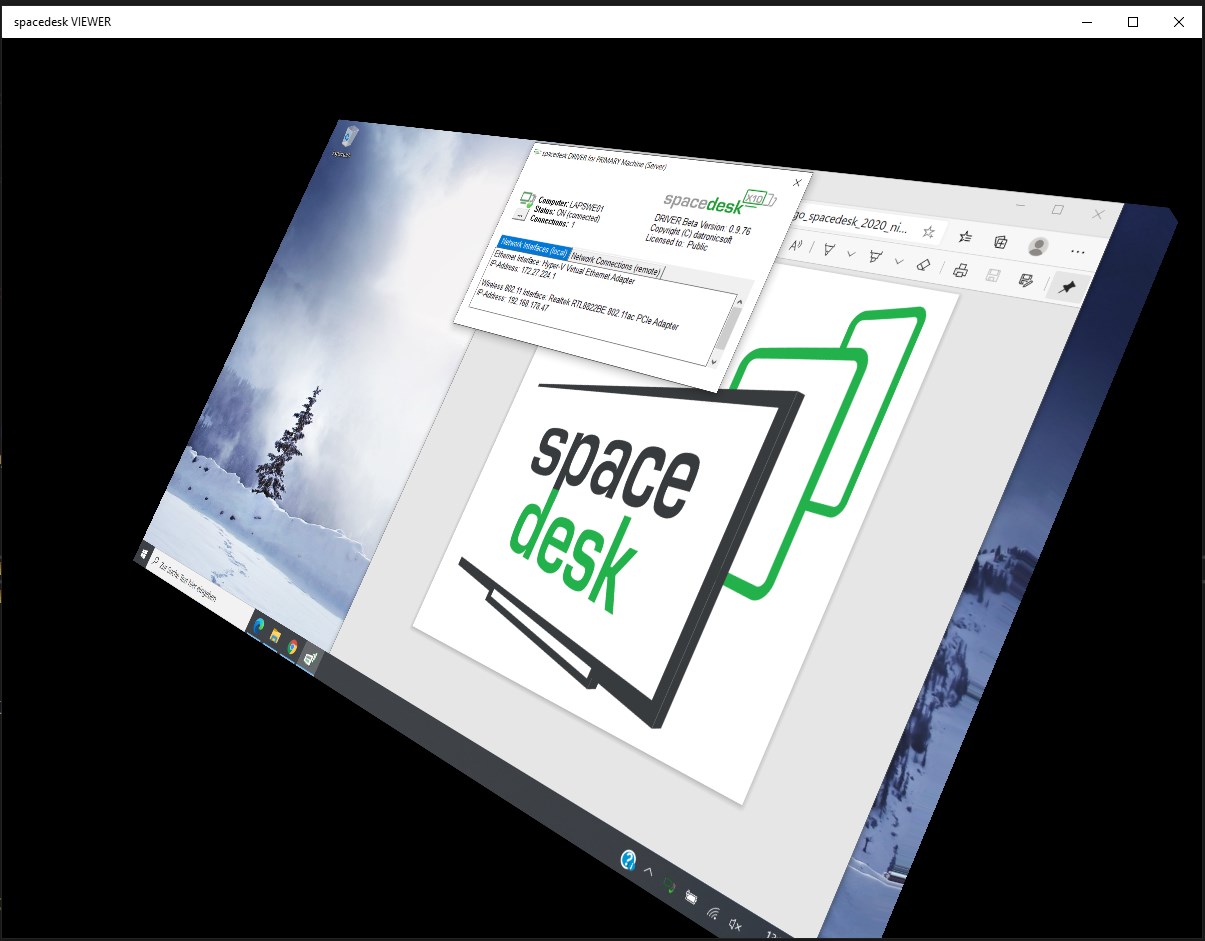
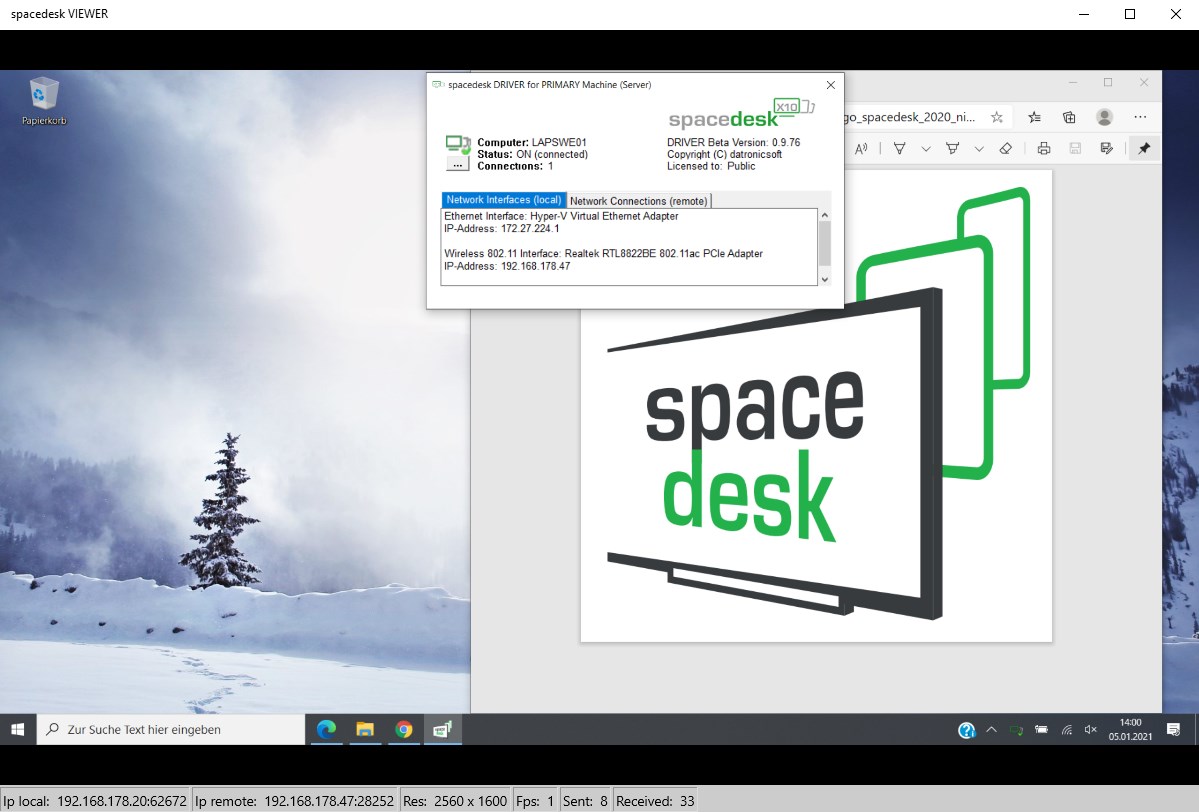
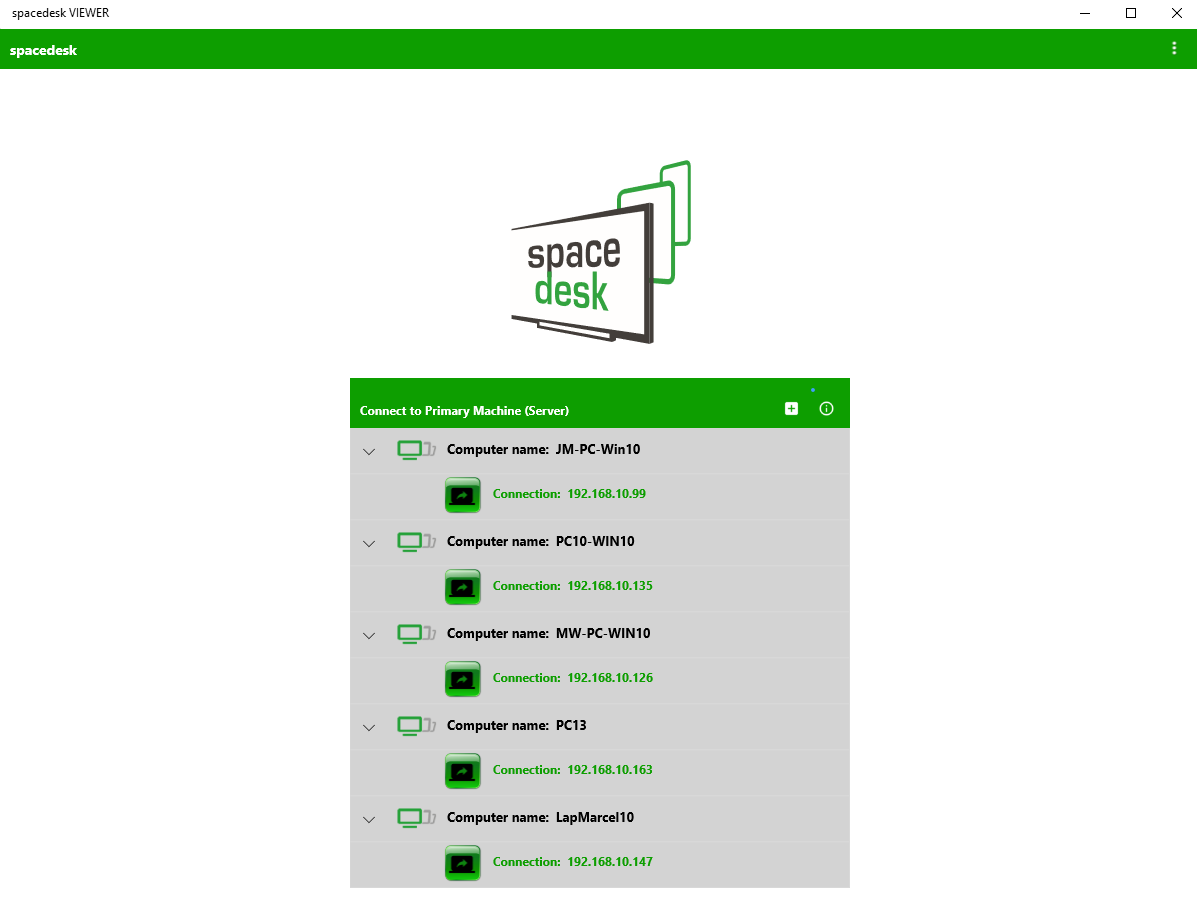
Many multi-monitor solutions require expensive hardware or proprietary cables, but the spacedesk multi-monitor tool completely changes the equation. Developed by datronicsoft Technology GmbH, this utility repurposes your spare Windows desktops, Surface tablets, or older Windows phones into fully functional secondary screens. By utilizing your existing local network, it delivers a seamless dual-display or multi-monitor setup without the clutter of physical display cables.
Key Capabilities of the spacedesk Multi-Monitor Tool
This software operates on a server-client model, allowing you to extend or mirror your primary desktop. Here is what makes the spacedesk multi-monitor tool a standout utility in the IT tools category:
- Desktop Extension (x10-sion): Expand your workspace across multiple screens to multitask efficiently.
- Desktop Duplication: Mirror your primary Windows PC screen onto another device for presentations or shared viewing.
- Versatile Network Connections: Works over your local wireless or wired network (LAN/WLAN) using TCP/IP. It also supports connections via Mobile Hotspot or USB Tethering when Wi-Fi is unavailable.
- No Active Internet Required: The system operates entirely within your local network offline, ensuring your data remains secure and local.
How the System Connects
Setting up the spacedesk multi-monitor tool is straightforward. Your primary Windows PC (running Windows 7, 8, 8.1, or 10) acts as the server and runs the official driver software. The secondary device runs the client application to receive the display stream. Whether you connect via Ethernet for maximum stability or over Wi-Fi for wireless freedom, the software adapts to your network conditions to provide a responsive secondary display experience.
Who Is This Tool For?
If you are a professional, student, or developer needing more screen real estate but want to avoid buying a new monitor, this app is an exceptional choice. It is perfect for turning an old Surface tablet or secondary Windows laptop sitting on your desk into a dedicated panel for reference documents, chat applications, or system monitoring tools.
Explore the Software
With its reliable local network performance and zero-cost entry point, this utility is one of the most practical display expansion tools available for Windows users. To learn more about how you can expand your workspace, read user feedback, or find the official download links for your devices, head over to the official Microsoft Store page.
Rate the App
User Reviews
Other Apps in This Category
Popular Apps










Editor's Choice