Latest Version
Moonlight Tidal Technology
IT Tools
Windows
Free
9nql4qkv9cx6
Report a Problem
More About Remote Desktop - Security Connection
The Perfect Solution for Secure Remote Desktop Access
Imagine you are commuting home or sitting in a coffee shop when an urgent server issue arises, or you realize a critical project file is trapped on your office PC. In moments like these, having a reliable, high-performance connection to your primary workstation is not just a convenience—it is an absolute necessity. Remote Desktop - Security Connection by Moonlight Tidal Technology is designed to address this exact scenario, providing Windows users with a seamless, highly secure bridge to their digital workspace from any location.
Key Features of the Remote Desktop - Security Connection App
This IT tool stands out by offering a robust set of features tailored for both productivity and data protection. Here is a closer look at what makes it a compelling utility:
- Swift Connectivity: Minimize downtime with rapid connection speeds that allow you to link up to your target Windows machine in seconds, eliminating lag and frustrating delays.
- Ironclad Security: Security is paramount when accessing systems remotely. The application utilizes advanced encryption protocols to shield your remote sessions from unauthorized access and potential data leaks.
- Effortless File Transfer: Move essential documents, media, and folders between local and remote environments seamlessly using an intuitive integrated file sharing system.
- Multi-Monitor Support: Expand your digital workspace across multiple screens to replicate your office environment, making multitasking straightforward and efficient.
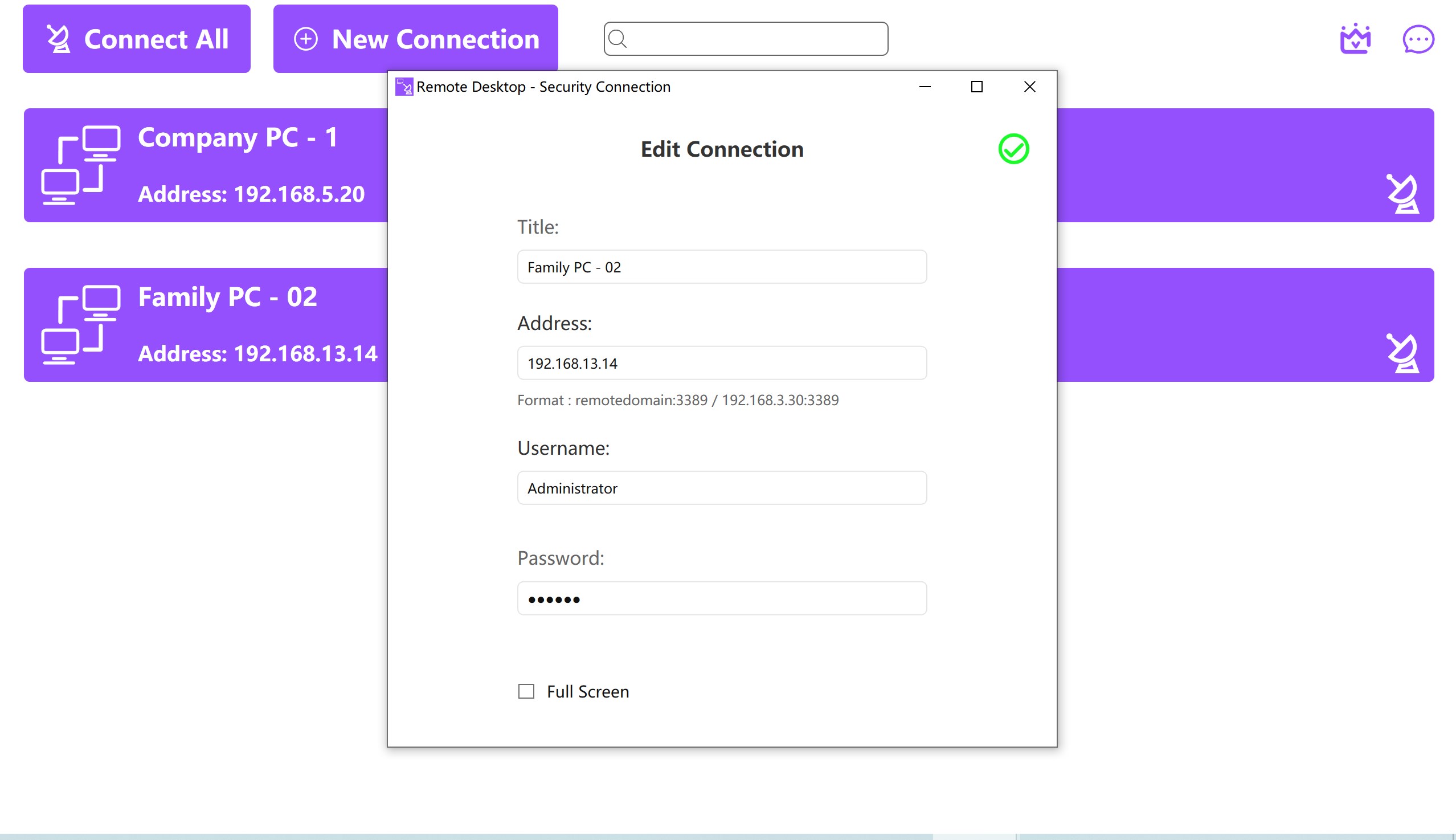
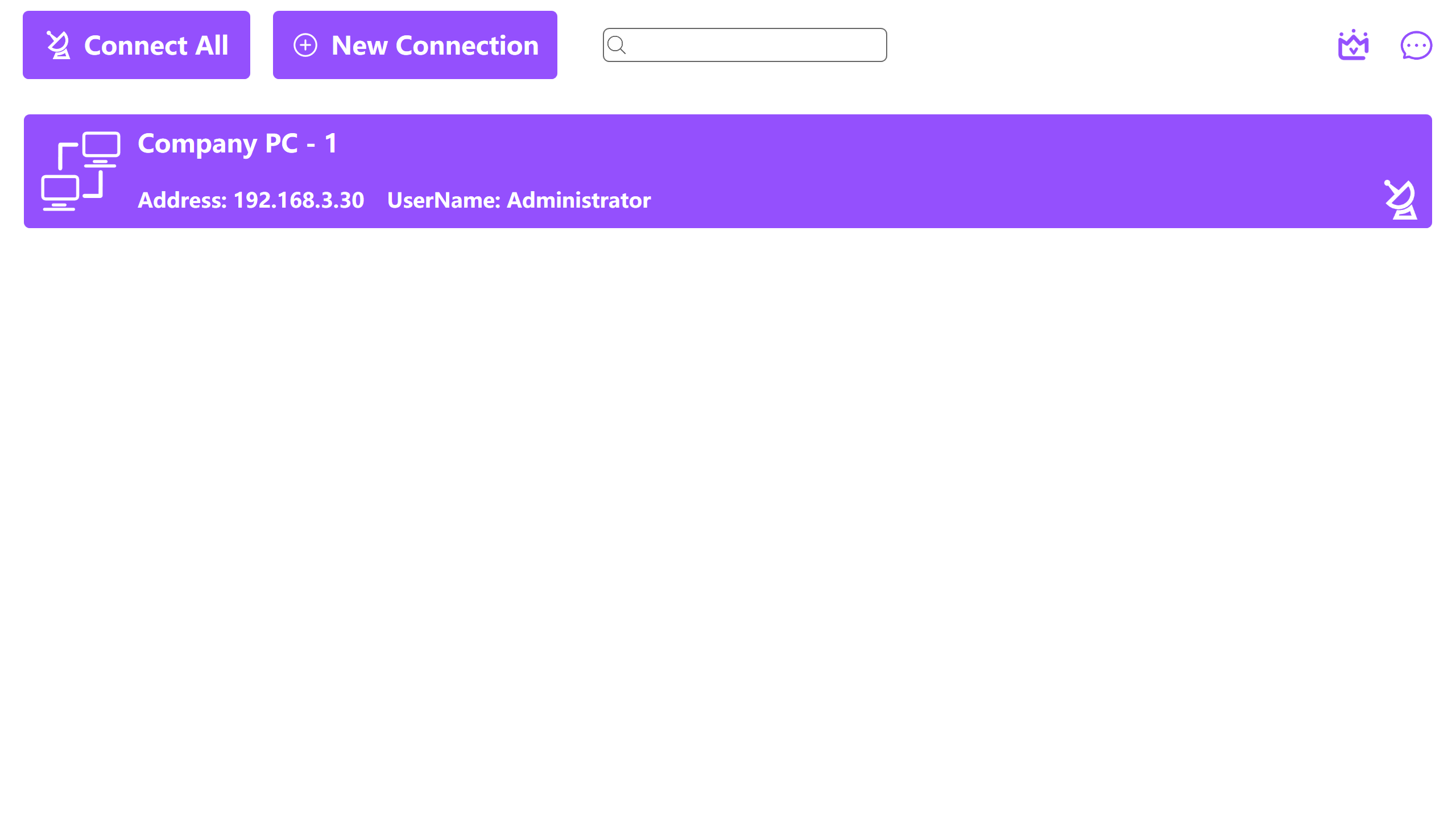
- User-Friendly Interface: A clean, modern layout ensures that both seasoned IT administrators and tech-savvy remote workers can navigate the connection setup with ease.
Who Is This Remote Access Tool For?
As a dedicated utility in the IT tools category, Remote Desktop - Security Connection caters to professionals who require uninterrupted access to their files and applications. Whether you are managing an office network, providing remote technical support, or simply need to fetch a file from your home computer while traveling, this software adapts to your workflow. Free users can explore the features during a one-day trial, while those seeking long-term utility can choose from several flexible monthly or annual VIP subscription options to unlock full, continuous access.
Is Remote Desktop - Security Connection Worth It?
For Windows users seeking a straightforward, encrypted remote access solution without complex network configurations, this software presents an incredibly reliable choice. Its balance of high-speed performance and strong data protection ensures your remote sessions remain private and productive.
To learn more or to test the software for yourself, visit the official Microsoft Store to view the Remote Desktop - Security Connection App Page.
Rate the App
User Reviews
Popular Apps










Editor's Choice